E-commerce automation
Orders, stock and invoices in sync between your store and ERP
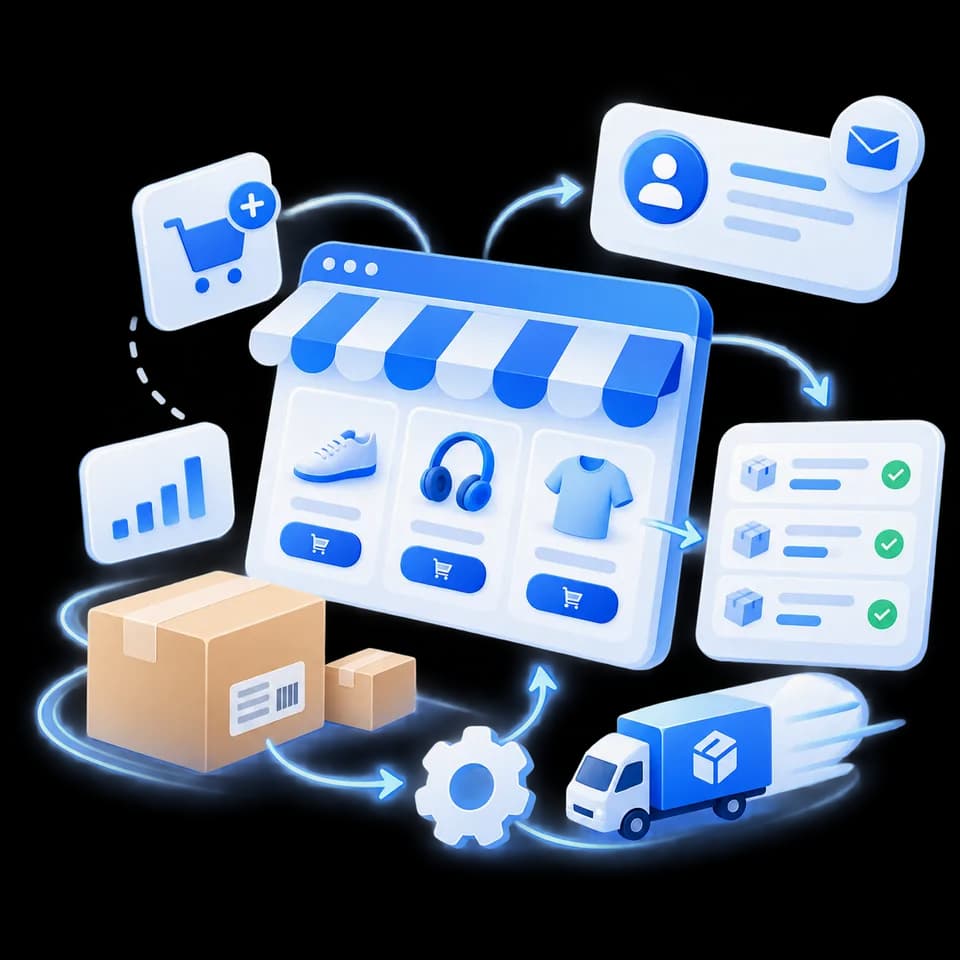
The system moves orders from your online store and marketplaces into the ERP, updates stock and prices back to the store, and prepares invoices in your accounting software.
Your store and ERP stay as they are. People only handle the exceptions.
- 30–45 minute call
- examples shown on your own screen
- written assessment afterwards
- Customer matched
- Items mapped to SKUs
- Stock reserved
Processes
E-commerce work the system can take over
- Store and marketplace orderssales order in the ERP
- Stock and pricesupdated back to the store
- Invoicescreated in your accounting software
- Returnscredit note and stock correction
- Supplier deliveriesstock received in the ERP
- Mismatches: missing SKU, out of stocka task for your team
How it works
From store order to ERP
Order arrives
Online store or marketplace
Mapping
Customer, SKUs, prices, delivery
Checks
Stock, prices and payment status
Entry in the ERP
Sales order and invoice
Exceptions to your team
Anything unclear waits for approval
The system follows your rules for stock, prices and invoices, and people decide the exceptions. Every change is logged, so any order can be traced.
Your software
Your store and ERP stay
The system connects your online store, marketplaces, ERP and accounting through their APIs. Your team keeps working where it always has.
We use business-grade APIs that don’t train models on your data, and for sensitive processes the system can run on your own or an EU server. Data processing is agreed in the contract.
- Online store
- Marketplaces
- Business Central
- Directo
- Rivilė
Who it’s for
When it makes economic sense
For online retailers and wholesalers that move orders, stock and invoices between the store and the ERP by hand.
Economics decide: the value recovered in a year has to clearly exceed the cost of the system.
If your store’s own connector already covers it, we’ll tell you in writing.
Questions
What to know about e-commerce automation
- Which stores and marketplaces does it work with?
- Store platforms and marketplaces with an API or data export, and your ERP or accounting software – Business Central, Directo, Rivilė or another. We check the specific connections during the process review.
- What happens when an item code is missing in the ERP or stock is short?
- The order does not go into the ERP automatically – your team gets a task with all the details. Every change is logged, so any order can be traced.
- When is a standard connector enough?
- When the store and ERP exchange simple data. A custom system makes sense when you sell on several marketplaces, apply complex price or stock rules, or handle many returns. If a connector is enough, we’ll tell you in writing.
- Where do we start, and what does it cost?
- We start with a 30–45 minute process review: you show a few typical orders on your screen and get a written assessment. The price is fixed after the review and proposal, and the first working phase is usually planned for 6–10 weeks.
- Is our data used to train AI models?
- No. We use business-grade APIs that don’t train models on your data. For sensitive processes the system can run on your own or an EU server, and data processing is agreed in the contract.
Contact
Show us how orders move from your store today
In a 30–45 minute call we look at your store, ERP and a few typical orders on your screen. Afterwards we tell you in writing what can be automated, where rules are needed and whether the economics make sense.
Email
info@aiprocesai.ltPhone
+370 632 36434Location
Lithuania